
Remove Vocal
AI vocal remover and stem splitter: separate songs or videos into 2, 4 or 6 stems, preview in your browser, change pitch and tempo, and export audio or video.
What is Remove Vocal?
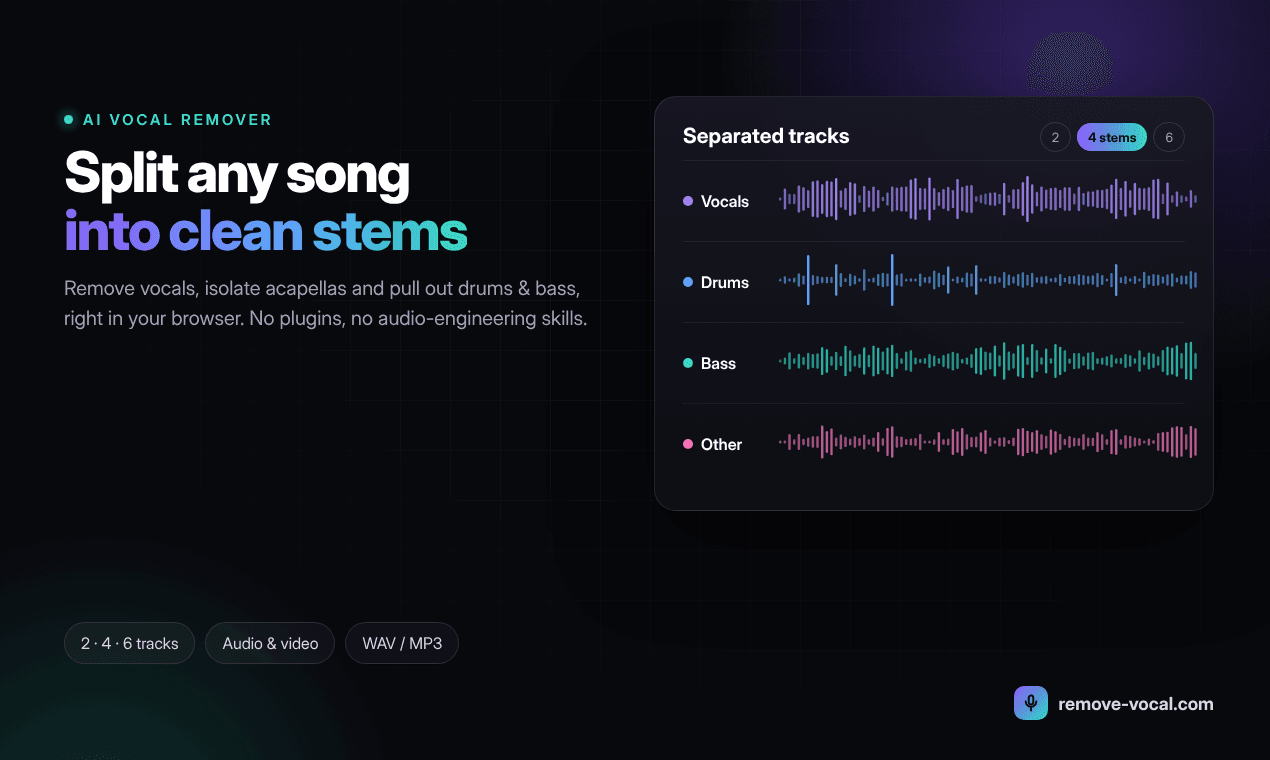
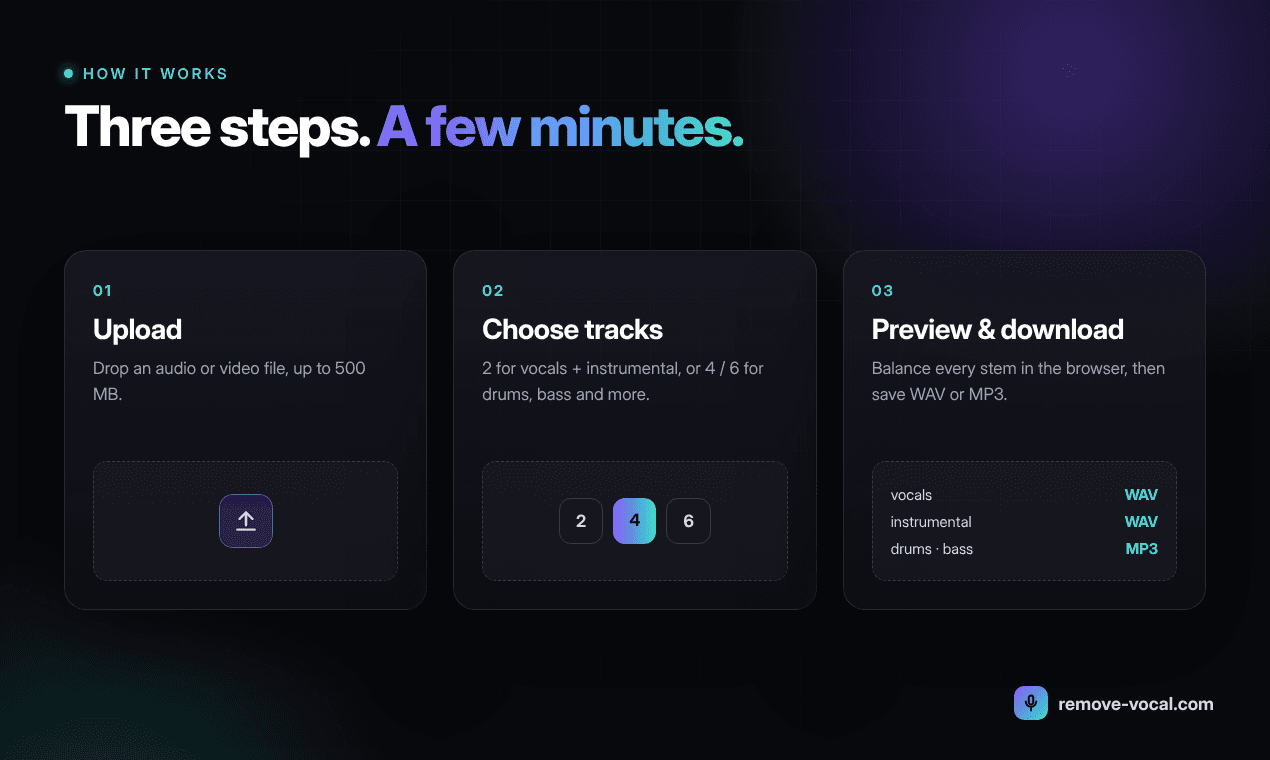
Remove Vocal is an online AI vocal remover and stem splitter. Upload a song or a video and it separates the mix into individual tracks, such as vocals, drums, bass and the rest of the instruments. It runs in the browser, so there is no software to install.
Separation modes
- 2 stems: vocals + instrumental, for quick karaoke tracks and acapellas.
- Hi-Fi 2 stems: the cleanest vocal/instrumental split, for instrumentals and acapellas you plan to use as a final product.
- 4 stems: vocals, drums, bass and other, for remixing and drum or bass practice.
- 6 stems: vocals, drums, bass, guitar, piano and other, for guitar and piano practice, transcription and detailed edits.
Key features
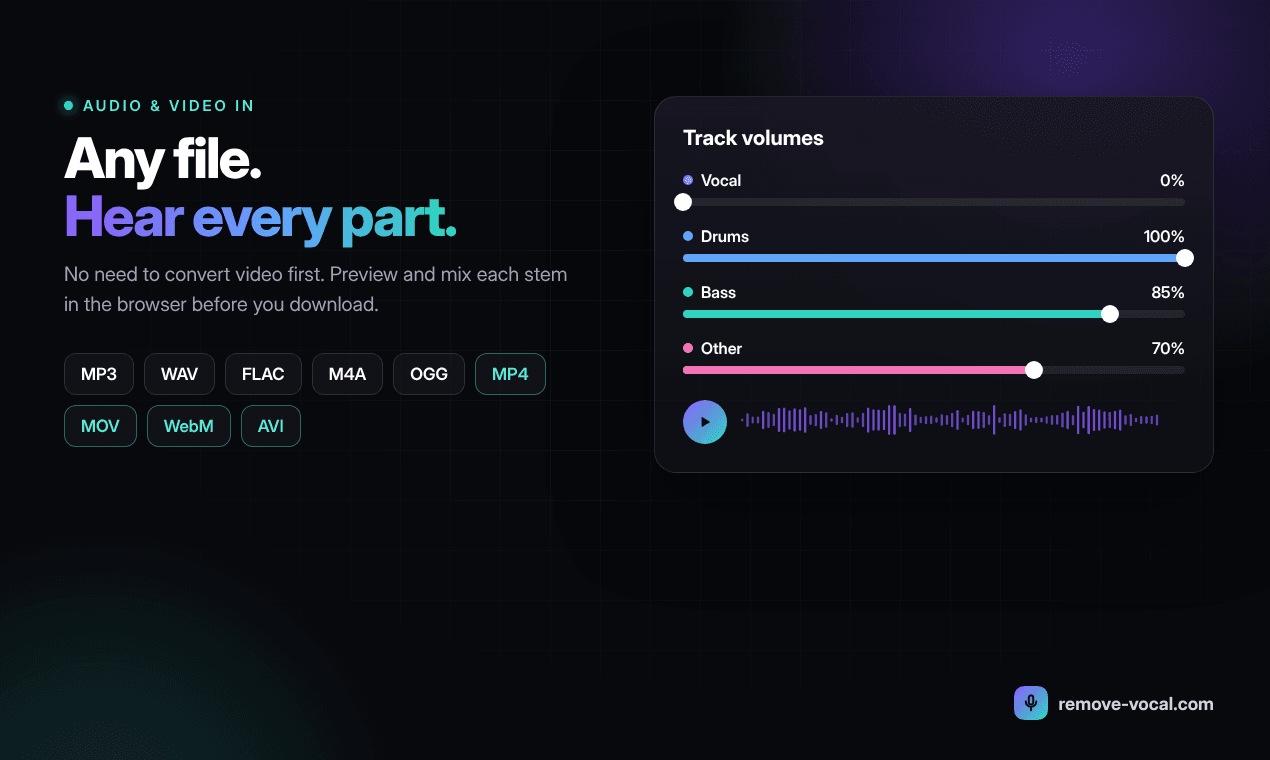
- Audio input: MP3, WAV, FLAC, M4A and OGG. Video input: MP4, WebM, MOV and AVI. Files up to 500 MB.
- Preview every stem in the browser before downloading.
- Separate pitch and tempo controls: change the key without changing the speed, or slow a passage down without changing the pitch.
- Timed lyrics synced with the separated tracks, for karaoke and singing practice.
- Export as audio, or as video with the new soundtrack.
How it fits into an AI music workflow
Stem separation is a useful companion to AI music generators and production tools:
- Split a generated or recorded track into stems to remix, rebalance or replace parts in your DAW.
- Extract an acapella to build a mashup, or an instrumental to record new vocals over.
- Remove the vocals from a video to reuse the music bed under narration.
- Isolate or mute one instrument to practise along with a song.
Pricing
Two unlimited plans: $2.99 per week or $5.99 per month. Both include every separation mode, pitch and tempo controls, timed lyrics, and audio and video export.
A note on rights
Only separate music you have the right to use, and check the licence before publishing or performing anything built from someone else's recording. Ready to try it? Remove vocals from any song online. Questions: support@remove-vocal.com.
What is Remove Vocal?
Remove Vocal is an online AI vocal remover and stem splitter. Upload a song or a video and it separates the mix into individual tracks, such as vocals, drums, bass and the rest of the instruments. It runs in the browser, so there is no software to install.
Separation modes
- 2 stems: vocals + instrumental, for quick karaoke tracks and acapellas.
- Hi-Fi 2 stems: the cleanest vocal/instrumental split, for instrumentals and acapellas you plan to use as a final product.
- 4 stems: vocals, drums, bass and other, for remixing and drum or bass practice.
- 6 stems: vocals, drums, bass, guitar, piano and other, for guitar and piano practice, transcription and detailed edits.
Key features
- Audio input: MP3, WAV, FLAC, M4A and OGG. Video input: MP4, WebM, MOV and AVI. Files up to 500 MB.
- Preview every stem in the browser before downloading.
- Separate pitch and tempo controls: change the key without changing the speed, or slow a passage down without changing the pitch.
- Timed lyrics synced with the separated tracks, for karaoke and singing practice.
- Export as audio, or as video with the new soundtrack.
How it fits into an AI music workflow
Stem separation is a useful companion to AI music generators and production tools:
- Split a generated or recorded track into stems to remix, rebalance or replace parts in your DAW.
- Extract an acapella to build a mashup, or an instrumental to record new vocals over.
- Remove the vocals from a video to reuse the music bed under narration.
- Isolate or mute one instrument to practise along with a song.
Pricing
Two unlimited plans: $2.99 per week or $5.99 per month. Both include every separation mode, pitch and tempo controls, timed lyrics, and audio and video export.
A note on rights
Only separate music you have the right to use, and check the licence before publishing or performing anything built from someone else's recording. Ready to try it? Remove vocals from any song online. Questions: support@remove-vocal.com.
Related listings
Split any mix into stems in the browser — vocals, drums, bass, guitar, piano, SATB and more. Free trial. By Sphoten Ltd ...
Forge is the plugin to create plugins, sounds and MIDI progressions on demand. Describe the plugin you need in plain wor...
Remove vocals, isolate instruments, practice with timed lyrics, and adjust pitch or tempo online with NeuralSound. Fast ...